

PLC S7-1200 G2 and Midbus RTU Communication Setup
Understanding Siemens S7-1200 G2 Capabilities
If you’re setting up a Siemens S7-1200 G2 PLC for industrial automation, you’re probably looking for reliable, flexible control. The S7-1200 G2 is known for its compact design, powerful processing, and broad connectivity. It’s used in everything from manufacturing lines to energy management, thanks to features like:
-
Integrated communication interfaces for seamless data exchange
-
High-speed processing for real-time control and monitoring
-
Scalable modules that adapt to your system’s growth
-
TIA Portal support for simplified configuration and diagnostics
Midbus RTU Devices and Communication Protocols
Midbus RTU devices are widely used for remote data acquisition and control, especially where robust, long-distance communication is needed. These units often handle tasks like:
-
Reading sensor data and sending it to the PLC
-
Controlling actuators based on commands from the control system
-
Operating in harsh environments with high interference
Midbus RTUs typically rely on Modbus RTU protocol over RS-485 serial lines, which is popular for its simplicity and reliability in industrial settings.
Communication Interfaces and Protocols
The backbone of this setup is the RS-485 Modbus RTU protocol. Here’s how it works:
-
RS-485 provides a differential signal, making it resistant to electrical noise and suitable for long cable runs.
-
Modbus RTU is a master-slave protocol, with the S7-1200 G2 acting as the master and Midbus RTUs as slaves.
-
Serial communication parameters like baud rate, parity, and stop bits must match on both devices for successful data exchange.
Typical System Architecture and Data Flow
A standard PLC to RTU architecture looks like this:
| Component | Role in System | Typical Connection |
|---|---|---|
| S7-1200 G2 PLC | Central controller (Master) | RS-485 serial port |
| Midbus RTU | Remote device (Slave) | RS-485 serial port |
| Wiring | Physical data link | Twisted pair, shielded |
Data flow:
-
The PLC sends Modbus requests over RS-485.
-
RTUs respond with sensor readings or status updates.
-
All communication relies on correct protocol configuration and wiring integrity.
Key Considerations for Reliable Communication
-
Check compatibility: Ensure both PLC and RTU support Modbus RTU over RS-485.
-
Match serial settings: Baud rate, parity, and stop bits must be identical.
-
Use proper cabling: Shielded twisted pair cables reduce interference.
-
Plan device addressing: Each RTU needs a unique Modbus address to avoid conflicts.
Setting up Siemens S7-1200 G2 communication with Midbus RTU isn’t just plug-and-play. Careful attention to protocol settings, wiring, and system architecture is vital for smooth data transmission and reliable automation. If you’re facing issues, the next sections will guide you through common problems and practical troubleshooting steps.
Common Causes of PLC S7-1200 G2 to Midbus RTU Communication Problems
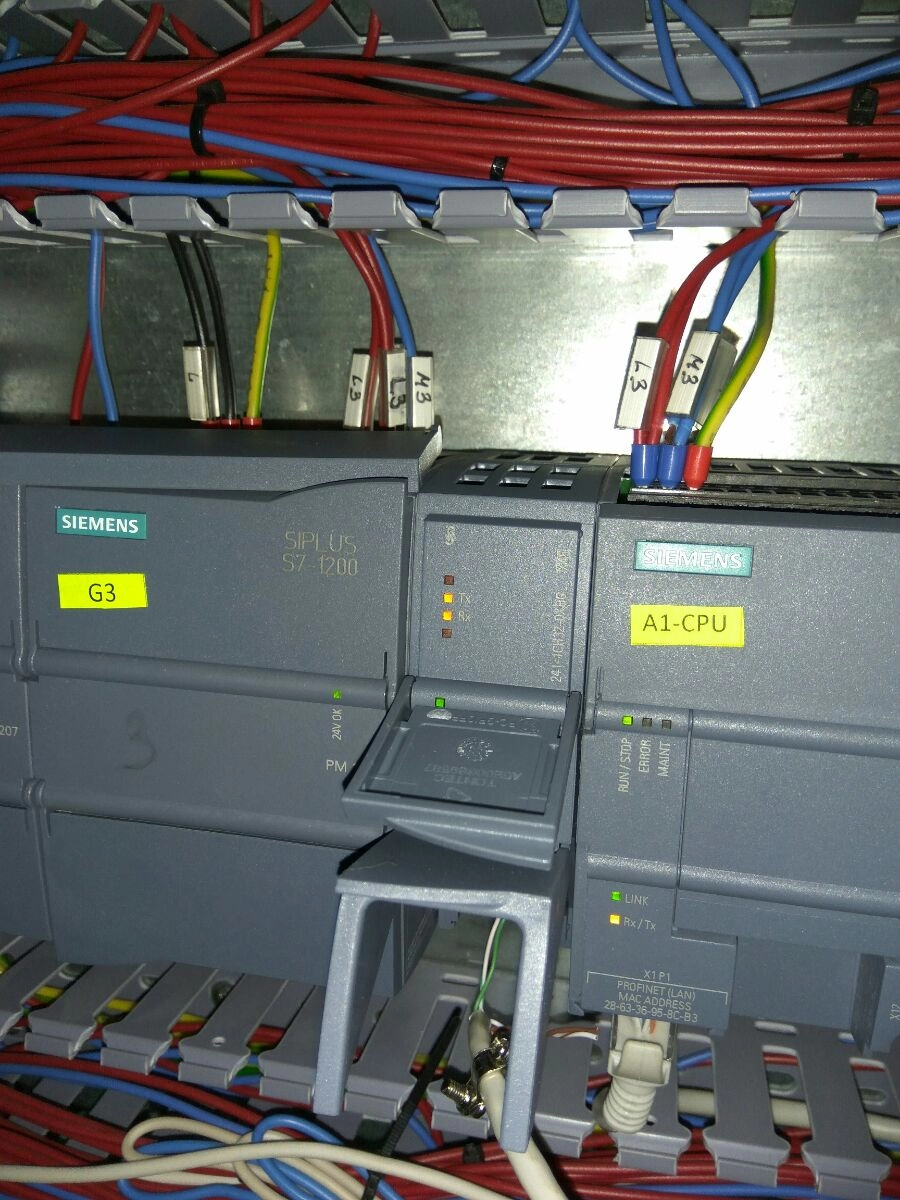
Getting Siemens S7-1200 G2 PLCs talking smoothly with Midbus RTU devices is vital for reliable automation. In the UK, with our typical factory setups and legacy kit, these are the main issues we see:
Wiring and RS-485 Physical Layer Issues
-
Poor cabling, loose connectors, or bad terminations are top offenders. RS-485 runs need solid connections and proper end-of-line resistors.
-
No or poor grounding can cause noise and voltage differences. Always ground the shield at one end only.
-
Cable runs too long or running alongside power cables pick up interference, especially in older plants.
Serial Port Settings and Modbus RTU Configuration
-
Mismatched serial settings (baud rate, parity, stop bits) between the S7-1200 G2 and Midbus RTU cause instant comms failure. Always double check both sides.
-
Wrong Modbus RTU parameters—like slave ID, function codes, or register mapping—are very common, especially when swapping in new kit or updating firmware.
Firmware and Software Compatibility
-
Outdated or mismatched firmware on either PLC or RTU can break established comms. Newer firmware might introduce changes in how protocols are handled.
-
TIA Portal project settings—if not aligned with the actual hardware and protocol version—will trip you up.
Electrical Noise and Interference
-
Industrial noise from drives, motors, or welders can corrupt data on RS-485 lines. This is often seen as random timeouts or garbled data.
-
Lack of proper shielding or using the wrong cable type makes things worse, especially in busy UK manufacturing sites.
Timeout and Memory Issues
-
Timeout errors happen if the RTU or PLC is too slow to respond, or if the buffer overflows due to too much data or slow processing.
-
Memory limits on older Midbus RTUs can cause missed messages or dropped comms, especially if polling lots of registers.
Device Addressing and ID Conflicts
-
Duplicate Modbus IDs on the same bus will cause devices to clash, leading to lost or unpredictable responses.
-
Incorrect addressing—like using the wrong slave ID in the PLC config—means you’ll never get a reply.
In short: Most Siemens S7-1200 G2 to Midbus RTU communication problems in UK factories boil down to basic wiring, settings mismatches, and environmental noise. Sorting these out early saves hours of head-scratching later.
Troubleshooting PLC S7-1200 G2 Midbus RTU Communication
Getting reliable data flow between a Siemens S7-1200 G2 PLC and a Midbus RTU can be tricky. Here’s a straightforward troubleshooting guide, tailored for UK industrial setups, to help you quickly pinpoint and fix communication problems.
Initial Physical Inspection Checklist
Start with the basics. Most issues are down to cabling or hardware.
-
Check all RS-485 connections – Look for loose wires, bent pins, or poor contacts.
-
Confirm proper cable type – Use shielded twisted pair for RS-485, especially in noisy environments.
-
Ensure correct termination – Both ends should have 120Ω resistors fitted.
-
Verify grounding – Make sure devices share a common ground to avoid voltage differences.
Serial Communication Parameters in TIA Portal
Settings matter. A mismatch will kill communication every time.
-
Match baud rate, parity, data bits, and stop bits on both PLC and RTU.
-
In TIA Portal, double-check the PLC’s serial port configuration against the RTU’s specs.
-
Address settings – Each device needs a unique Modbus address.
Siemens Diagnostic Tools and Monitoring
Use built-in tools for quick checks.
-
TIA Portal diagnostics – Monitor port status, error counters, and live data.
-
Status LEDs – Watch for fault or communication indicators on the PLC and RTU.
Signal Integrity Testing
If you suspect electrical noise or weak signals:
-
Oscilloscope or serial tester – Check for clean, consistent waveforms on the RS-485 lines.
-
Look for reflections or voltage drops – These hint at termination or cable length issues.
Error Codes and Status Indicators
Don’t ignore what the devices are telling you.
-
Read error messages in TIA Portal and on the RTU display.
-
Common errors: Modbus timeout, framing errors, buffer overflow, or address conflict.
-
Log errors for later analysis.
Loopback and Isolated Device Testing
Narrow down the problem by isolating devices.
-
Loopback test – Connect PLC TX to RX and check for self-communication.
-
Test RTU on its own – Use a PC or tester to send and receive data, ruling out PLC faults.
Firmware Updates
Old firmware can cause compatibility headaches.
-
Check for updates for both PLC and RTU.
-
Follow Siemens guidelines for safe updating.
-
Retest communication after updating – improvements or new issues may appear.
Handling Error Frames and Retries
Don’t let transient faults grind your system to a halt.
-
Enable retries and error logging in your PLC code.
-
Monitor for repeated error frames – this can point to persistent noise or protocol mismatch.
-
Watchdog timers – Use these to reset communication if the link fails.
Tip: For UK customers, keeping documentation up-to-date and using local support channels like OUKECNC can save hours of downtime. Regular maintenance and quick checks make all the difference in industrial automation reliability.
Best Practices for Reliable PLC S7-1200 G2 to Midbus RTU Communication
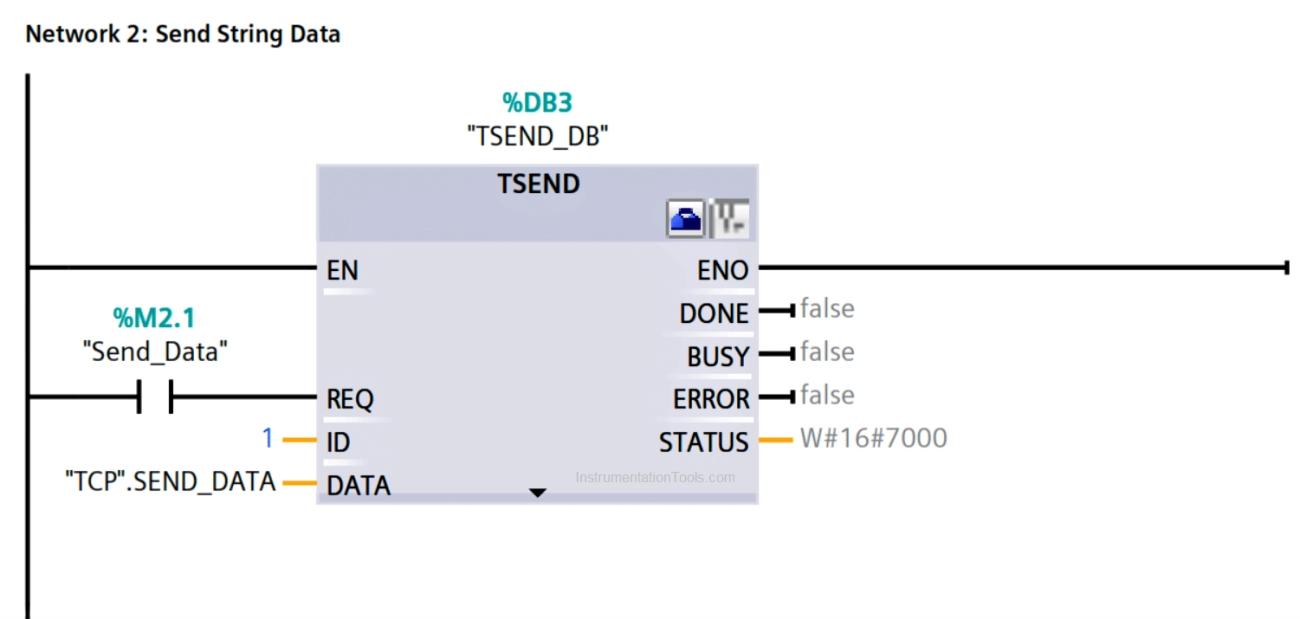
Getting Siemens S7-1200 G2 talking reliably to Midbus RTU devices over Modbus RTU is all about the basics done well. Here’s how to keep your system solid and avoid the typical headaches UK engineers face on the shop floor.
Cabling Setup and Hardware for S7-1200 G2 and Midbus RTU
-
Use quality RS-485 cabling: Go for twisted pair, shielded cable. This cuts down on electrical noise and keeps your Modbus RTU comms stable.
-
Proper grounding: Always ground the shield at one end only—usually at the PLC panel. This helps avoid ground loops.
-
Termination resistors: Fit 120-ohm resistors at both ends of your RS-485 line. This kills off signal reflections that can cause data errors.
-
Short cable runs: Keep cables as short as possible, and avoid running them next to power lines or heavy machinery.
Protocol Configuration and Documentation
-
Keep settings consistent: Make sure baud rate, parity, stop bits, and device addresses match on both the S7-1200 and Midbus RTU. Even one mismatch and you’ll get nothing but headaches.
-
Document your setup: Log all serial settings and Modbus mappings. This makes maintenance and troubleshooting much faster, especially when teams change or audits come round.
Firmware and Software Maintenance
-
Stay up to date: Regularly check for Siemens and Midbus firmware updates. These often fix bugs and improve stability.
-
Test after updates: Always test communication after any firmware or software upgrade to catch new issues early.
Watchdog Timers and Error Logging
-
Watchdog timers: Add watchdogs in your PLC code. If the comms drop, you’ll know straight away and can react before it becomes a bigger problem.
-
Error logs: Build in error logging for Modbus timeouts, CRC errors, and retries. This gives you a clear history to work with if things go wrong.
Network Segmentation and Noise Reduction
-
Segment your network: If you’ve got lots of devices or long cable runs, break your network up with repeaters or isolators. This keeps the noise down and reliability up.
-
Avoid noise sources: Route comms cables away from VFDs, contactors, and other sources of electrical noise.
Using Repeaters, Isolators, and Converters
-
Repeaters: For longer cable runs or more than 32 devices, RS-485 repeaters keep signal strength up.
-
Isolators: Use isolators if you’ve got potential ground differences between devices—common in UK industrial sites.
-
Protocol converters: If you’re mixing different networks or need to bridge Ethernet and serial, a protocol converter can save a lot of hassle.
Quick Reference Table
| Best Practice | Why It Matters | UK-Specific Tip |
|---|---|---|
| Shielded RS-485 cabling | Reduces noise, improves data integrity | Use BS-compliant cables |
| Correct termination | Prevents signal reflections | Double-check with a multimeter |
| Consistent protocol settings | Avoids comms mismatches | Document in your site logbook |
| Regular firmware updates | Fixes bugs, boosts reliability | Schedule during planned downtime |
| Watchdog/error logging | Quick fault detection and diagnosis | Integrate with your maintenance alerts |
| Network segmentation | Less noise, fewer comms errors | Plan for future expansion |
| Use of repeaters/isolators | Maintains signal, protects devices | Essential for large or noisy sites |
Stick to these best practices and you’ll avoid most Modbus RTU headaches with Siemens S7-1200 G2 and Midbus RTU kit. It’s all about keeping things simple, tidy, and well-documented—something every good UK engineer knows pays off in the long run.
Case Study OUKECNC Resolves PLC S7-1200 G2 Midbus RTU Communication Problem
Real UK Scenario Communication Failure
A Midlands-based manufacturer faced a PLC S7-1200 G2 to Midbus RTU communication breakdown. Their production line, running on Siemens automation, suddenly stopped getting data from a Midbus temperature RTU. The team had recently made some wiring changes and updated device firmware, but after that, Modbus RTU comms failed. This led to downtime and lost output—something no UK plant wants.
Diagnostics and Identifying the Root Cause
OUKECNC was called in to help. Here’s how we tackled it:
-
Physical inspection: Checked RS-485 cabling, connectors, and earthing. Found a loose wire and poor shield termination.
-
Serial parameters: Compared PLC and RTU settings in TIA Portal—baud rate, parity, stop bits. Found a mismatch: PLC set to 9600, RTU to 19200.
-
Protocol checks: Confirmed both devices were set to Modbus RTU, but device addresses overlapped with another slave.
-
Signal tests: Used a serial line tester to look for noise and voltage drops. Detected interference from a nearby VFD (variable frequency drive).
-
Error logs: Reviewed PLC diagnostics—showed repeated Modbus timeout errors.
Solutions and Results
We took these steps:
-
Fixed the wiring: Re-terminated cables, ensured proper RS-485 shield grounding, and separated signal cables from power lines.
-
Matched comms settings: Set both PLC and RTU to 9600 baud, even parity, 1 stop bit.
-
Address conflict: Changed RTU address to a unique value.
-
Added noise protection: Installed a simple RS-485 isolator and moved the cable run away from the VFD.
-
Firmware check: Ensured both devices ran compatible firmware versions recommended by Siemens and Midbus.
Result: Communication was restored immediately. The PLC started polling the RTU with no errors, and production resumed. Error logs stayed clean, and there were no further Modbus timeout issues.
Lessons Learned and Recommendations
-
Always double-check wiring—RS-485 is sensitive to poor terminations and grounding.
-
Match all serial settings—even a small mismatch can break Modbus RTU comms.
-
Unique device addresses—avoid conflicts, especially when adding new RTUs.
-
Keep comms cables away from sources of electrical noise—VFDs are common culprits.
-
Use diagnostic tools—the TIA Portal and simple testers can save hours.
-
Stay on top of firmware updates—but check compatibility first.
For UK manufacturers using Siemens S7-1200 G2 and Midbus RTU, these steps can prevent costly downtime. OUKECNC provides hands-on help, from d