

Are you looking to upgrade your automation line with minimal downtime without putting production at risk?
You’re in the right place. In this guide, I’ll show you the practical steps that help plant teams modernize aging systems, protect uptime, and avoid costly surprises during cutover.
If you want a smarter, lower-risk way to improve performance without stopping the line, keep reading.
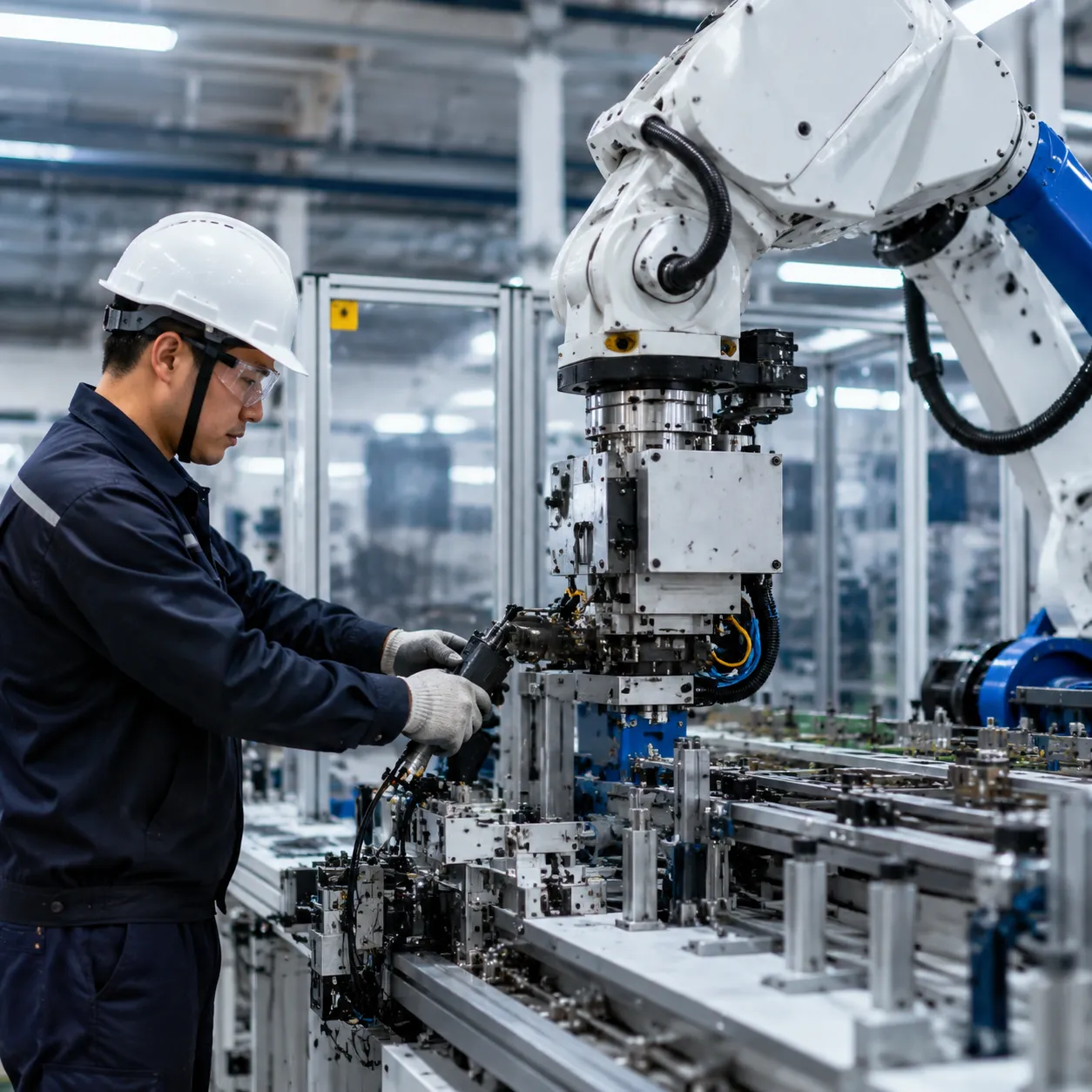
Modernization Dilemma
Running legacy control systems too long can turn routine maintenance into a real risk. As spare parts get harder to find, security gaps widen, and production data stays trapped in isolated systems, industrial automation modernization becomes less of a preference and more of a business necessity.
The problem is not upgrading itself; it is the fear of unplanned downtime. That is why a phased migration strategy works better than a risky rip-and-replace approach. With the right planning, legacy PLC migration and control system retrofitting can protect uptime, reduce exposure, and keep the line moving while modernization stays on schedule.
System Audit and Dependency Mapping
I start with a granular system audit so the legacy PLC migration is based on facts, not guesswork. That means mapping every PLC, I/O drop, drive, and HMI panel, then flagging hard limits like unsupported PROFIBUS or third-party serial links that need conversion to PROFINET.
-
- Physical layer: Document each control system, field device, and operator interface in the line.
- Network layer: Identify industrial network communication gaps before they block the upgrade path.
- Software layer: Trace application code, proprietary function blocks, and any undocumented changes that could affect backward compatibility.
- Risk check: If HMI or PLC response is already unstable, I use a quick HMI touch screen and PLC no-response troubleshooting guide to tighten the system integration risk assessment before any control system retrofitting.
Step 2: Choose Your Migration Architecture: Phased vs. Flash Cutover
When I map out a legacy PLC migration, I usually start with one question: how much production can you afford to stop? The answer decides whether a phased migration strategy or a flash cutover makes sense.
Phased Migration Framework
This is the safer route for most plants doing industrial automation modernization.
-
- Stage 1: Upgrade HMIs and supervisory systems first, while keeping the legacy controllers in place.
- Stage 2: Use I/O adapters and gateway modules to preserve field wiring while swapping the central PLC. For a direct reference point, I often compare against a Siemens SIMATIC S7-300 CPU 314 controller when planning backward-compatible changes.
- Stage 3: Roll out distributed field-node upgrades during a scheduled weekend maintenance window.
Flash Cutover Framework
I use this only when the line is well-documented, tested, and the downtime window is tight but controlled.
-
- Best for smaller systems or clean control system retrofitting jobs
- Works best with pre-wired swing-arm assemblies
- Faster when pre-tested termination panels are ready
- Higher risk if the network map or codebase is incomplete
Migration Comparison
| Approach | Risk | Timeline | Cost | Downtime Impact |
|---|---|---|---|---|
| Phased migration | Lower | Longer | Moderate | Low |
| Flash cutover | Higher | Shorter | Can be lower upfront | Higher |
My Rule Of Thumb
-
- Choose phased migration when uptime matters more than speed.
- Choose flash cutover only when the system is simple, tested, and ready for rapid change.
- In both cases, I keep system integration risk assessment tied to industrial network communication (PROFINET), wiring, and code compatibility before any live change.
Digital Twin Validation
I cut unplanned downtime by moving commissioning into a digital twin simulation before the line ever goes live. With software-in-the-loop (SIL) and hardware-in-the-loop (HIL) testing, I can verify code execution, catch logic bottlenecks early, and reduce system integration risk assessment issues before any wiring changes hit the floor.
-
- Virtual commissioning: Tools like Siemens SIMIT and PLCSIM Advanced help me model line behavior, check backward compatibility, and train operators ahead of delivery.
- Faster FAT: I can walk into factory acceptance testing (FAT) with a cleaner control strategy and fewer surprises, which makes legacy PLC migration and industrial automation modernization much safer.
For Siemens-based upgrades, I also cross-check older hardware against proven parts like the Siemens SIMATIC S7-300 CPU 314 standard controller to keep the transition practical and controlled.
Step 4: Streamlining Code Conversion and Backward Compatibility
Simplifying the software transition is crucial for a smooth upgrade. Transitioning legacy code databases into modern engineering frameworks like the Siemens TIA Portal ensures compatibility with current systems while protecting your core intellectual property. Automated readiness tools and migration wrappers help retain essential logic and functionality, making it easier to unlock advanced diagnostic blocks and improve system visibility.
Mitigating risk is vital during this phase. Implementing code dual-running and parallel testing architectures allows you to validate new software without disrupting ongoing production. This approach reduces the chance of unexpected failures and ensures a seamless migration, especially when dealing with backward compatibility challenges. Leveraging these strategies minimizes downtime and accelerates your control system retrofitting process.
Step 5: Zero-Disruption Go-Live
Pre-Cutover
I lock in the fallback plan before anyone powers down a line:
– Validated software backups and a clean rollback path
– On-site critical legacy spares for legacy PLC migration and control system retrofitting
– A final system integration risk assessment tied to the planned maintenance window
During Cutover
I keep the changeover tight and predictable:
– Modular wiring adapters to avoid manual re-wiring
– Synchronized hardware swaps to protect backward compatibility
– Fast part matching, including servo drive selection for retrofit projects, when the line needs a quick hardware fit
Post-Cutover
I close the loop before production restarts:
– Accelerated factory acceptance testing (FAT)
– Rapid loop-testing to confirm I/O, drives, and HMI response
– Immediate production restart once the checks are clean, cutting unplanned downtime mitigation risk to the minimum
Future-proofing your automation line offers significant long-term ROI by integrating advanced technologies that keep your operation competitive. Unlocking edge computing capabilities and cloud connectivity enables predictive maintenance, which helps identify potential issues before they cause costly downtime. This proactive approach drastically reduces the Mean Time to Repair (MTTR) through native system diagnostics, allowing quick detection and resolution of faults. Additionally, modern hardware layers embed energy efficiency features and robust cybersecurity protections, safeguarding your investment while lowering operational costs. Transitioning to a modernized automation infrastructure ensures your facility remains agile, secure, and ready to adapt to future industry demands.
Seamless modernization with Siemens is key to securing your production future. Transitioning legacy systems to Siemens SIMATIC S7-1500 controllers can significantly reduce upgrade timelines—sometimes by up to 50%. This path leverages proven migration strategies, supported by Siemens’ extensive global support network, hardware compatibility tools, and tailored conversion services. These resources help minimize system integration risk and ensure backward compatibility, making your control system retrofit smooth and reliable. To streamline your automation modernization, download our comprehensive Automation Migration Checklist or connect with a Siemens lifecycle specialist to schedule your system assessment today.