

Industrial Component Obsolescence
What it means
I define component obsolescence as the point where a part is no longer supported, no longer manufactured, or no longer practical to source at scale. In industrial automation and legacy control systems, this is not a small issue. It directly affects OEM component lifecycle status, spare parts optimization, and long-term equipment reliability.
Why it matters:
– Parts can disappear from the market without much warning.
– Repairs take longer when replacements are scarce.
– Procurement costs rise as supply gets tighter.
– Aging equipment becomes harder to keep stable and compliant.
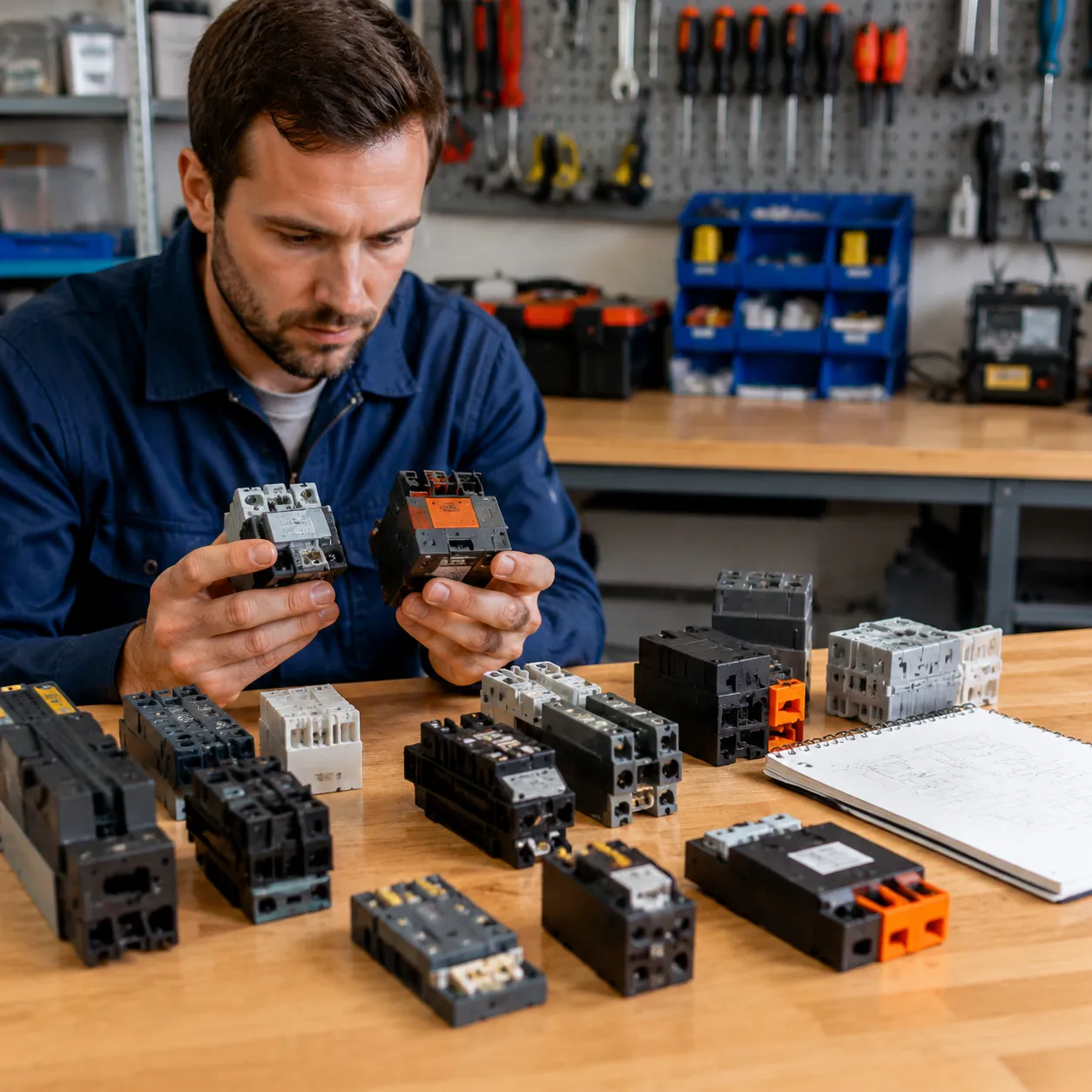
Signs of End-of-Life Risk
A part is often nearing End-of-Life (EOL) management trouble when I see these signals:
- Product Change Notice (PCN) announcements from the manufacturer
- Longer lead times or frequent backorders
- Reduced distributor availability
- Fewer firmware updates, datasheet revisions, or technical notices
- Discontinued listings in component databases
- Serial number ranges that stop matching current support records
| Signal | What It Usually Means |
|---|---|
| PCN issued | Design, material, or production change is underway |
| Rising lead times | Supply is tightening |
| No fresh documentation | Support is fading |
| Stock only in surplus markets | Official channels are drying up |
Operational Impact
When an obsolete part fails, uptime suffers fast. I see the biggest risks in:
- Unexpected downtime in production lines
- Delayed maintenance because no verified replacement is available
- Higher chance of using a risky near-miss substitute
- Increased exposure to counterfeit parts and compatibility issues
- Pressure on teams to make fast decisions without full data
A strong obsolescence mitigation strategy starts with recognizing these warning signs early. The goal is simple: protect uptime, preserve system performance, and keep replacement decisions under control before a shortage becomes an outage.
Decoding Manufacturer Lifecycle and Discontinuation Signals
Understanding how OEMs communicate lifecycle changes is crucial for effective obsolescence management. Manufacturers typically announce product discontinuations through official channels, such as Product Change Notices (PCNs). These notices provide vital details on upcoming EOL (End-of-Life) status, replacement recommendations, and timing, helping you plan ahead.
Interpreting PCNs accurately is essential. Look for key indicators like scheduled phase-outs, transition periods, and recommended alternatives. Staying updated through OEM websites, authorized distributors, or dedicated lifecycle management platforms ensures you don’t miss critical signals.
Tracking lifecycle status through official channels—such as OEM portals, authorized suppliers, or industry databases—keeps you informed. Regular monitoring allows proactive replacement planning, reduces downtime, and minimizes operational risks. Leveraging these tools helps you stay ahead of component obsolescence and maintain system reliability.
Identifying Discontinued Parts Accurately
When I check discontinued parts, I start with the basics: exact part number, revision, serial number, and firmware version. That tells me whether I am dealing with a current item, an End-of-Life (EOL) unit, or a legacy control systems part that still has support through an alternate SKU.
What I verify first
- Serial numbers and revisions: Confirms the exact build and avoids wrong-match replacements.
- Firmware version: Important for PLCs, drives, and other industrial automation lifecycle parts where software compatibility matters.
- Datasheets and manuals: I compare the listed specs, pinout, mounting, and protocol details against the unit in hand.
- OEM component lifecycle status: I check official notices, product pages, and archive records before I label a part as obsolete.
Tools I use
- Digital asset management: I keep part records tied to equipment, plant location, and install date so cross-reference work is faster.
- Bill of Materials (BOM) scrubbing: I scan BOMs for weak links, missing revisions, and parts with unclear lifecycle status.
- Parametric component search: I match voltage, current, package, and interface specs instead of relying on part numbers alone.
Field checks that matter
- Physical inspection: I look for label changes, board revisions, connector style, and any signs of retrofit work.
- Serial tracking: I trace the part back to its equipment history so I know whether it was repaired, remanufactured, or swapped.
- Model validation: For legacy control systems, I confirm the exact platform before I treat it as obsolete, such as a Siemens SIMATIC S7-300 CPU 314 controller.
Bottom line
Accurate identification comes from matching data, not guessing. If the serial number, firmware, and physical details do not line up, I treat the part as a risk until I verify its OEM component lifecycle status and replacement path.
Evaluating Replacement Options for Obsolete Components
I treat every obsolete part swap as a form-fit-function (FFF) check, not a guess. A replacement only works if it matches the part’s physical size, mounting points, electrical ratings, and control logic. That matters even more in legacy control systems, where a near-match can still cause downtime.
Form-Fit-Function Checks
| Check | What I verify | Why it matters |
|---|---|---|
| Form | Dimensions, connectors, mounting holes | Prevents install issues |
| Fit | Panel space, rail type, clearance | Avoids physical mismatch |
| Function | Signal type, voltage, protocol, firmware | Keeps the system working |
I also compare the part against the machine’s OEM component lifecycle status and, when needed, use a Siemens S7-300 CPU replacement option as a reference point for legacy PLC replacement planning.
What I Check First
- Physical dimensions: same footprint, same mounting, same connector layout
- Electrical compatibility: voltage, current, input/output type, and protection ratings
- Protocol match: same communication standard, addressing, and firmware behavior
- Near-miss risk: a part can look close and still fail in the field
Why Near-Miss Substitutions Fail
A near-miss drop-in substitution can cause nuisance faults, bad signals, or full shutdowns. I flag any replacement that needs rewiring, code changes, or cabinet modifications unless the retrofit is fully planned and tested. That is the safest way to keep spare parts optimization under control and avoid surprise failures.
Sourcing Verified Replacement Parts
Finding reliable replacement parts is critical to maintaining operational uptime and avoiding costly downtime. Start by accessing OEM authorized stock and remanufactured units, which guarantee quality and compatibility. Many manufacturers now offer official stock or certified remanufactured parts, providing a trusted alternative to obsolete components. For example, you can browse trusted sources like Fanuc OEM parts to ensure authenticity.
Leverage trusted component databases and cross-reference tools to verify part specifications and compatibility. These resources help identify suitable drop-in replacements and prevent the risks associated with near-miss substitutions. Digital tools streamline this process, making it easier to find exact matches based on parameters like form-fit-function (FFF) and electrical compatibility.
Navigating surplus markets can be cost-effective but risky if not done carefully. Always verify the credibility of suppliers, request detailed documentation, and confirm the condition of surplus parts before purchase. Counterfeit mitigation strategies are essential here—look for verified suppliers, check for certification labels, and use authentication services when available. This approach minimizes the risk of counterfeit parts infiltrating your supply chain, safeguarding your equipment’s reliability and safety.
Proactive Obsolescence Management
I treat obsolescence like a supply risk, not an afterthought. The goal is simple: catch weak parts early, plan the replacement path, and protect uptime.
BOM Scrubbing and Lifecycle Audits
I start with Bill of Materials (BOM) scrubbing and a fast lifecycle check on every critical part. That helps me spot End-of-Life (EOL) management risks before they hit the floor.
| Action | What I check | Why it matters |
|---|---|---|
| BOM scrubbing | Part number, revision, supplier | Finds hidden obsolete parts |
| Lifecycle audit | OEM component lifecycle status | Flags EOL and last-buy windows |
| Usage review | Critical spares, lead times, failure history | Prioritizes the parts that can stop production |
Retrofitting and Modernization
When a part is no longer stable, I look at retrofitting industrial equipment instead of waiting for a failure. In many legacy control systems, a form-fit-function (FFF) replacement or drop-in substitution gives the fastest path back to normal.
For control power supplies, I compare options like Siemens SIMATIC S7-300 PS307 power supply modules before I approve a swap, because the physical fit and electrical behavior both matter.
Last-Time Buy Planning
A Last-Time Buy (LTB) only works when I plan it early and with discipline.
- Confirm real demand from repair history and installed base
- Add margin for warranty, transit, and field failures
- Lock storage conditions and traceability
- Tie the buy to a clear spare parts optimization plan
Supply Chain Resilience
I build resilience by avoiding single-point dependence.
- Use qualified alternates where specs truly match
- Keep a trusted cross-reference electronic components list
- Validate sources to reduce counterfeit part mitigation risk
- Recheck stock status often, especially for high-use parts
A strong obsolescence mitigation strategy keeps parts moving, limits downtime, and gives me more control over cost and lead time.
Implementing a Systematic Obsolescence Management Workflow
Creating an effective lifecycle monitoring framework is essential for staying ahead of component obsolescence. This involves setting up digital tools that track OEM component lifecycle status and automatically generate alerts when parts approach end-of-life (EOL). By integrating these alerts into your maintenance planning, you can proactively manage obsolete parts before they cause downtime.
Training your teams is equally critical. Equip your technicians and engineers with the knowledge to interpret lifecycle signals and respond quickly. Regularly update training programs to include the latest product change notices (PCNs) and cross-reference tools. This ensures your team can identify discontinued parts accurately and evaluate suitable replacements efficiently.
A robust obsolescence management system minimizes operational disruptions, reduces emergency procurement costs, and extends the lifespan of your industrial automation equipment. Implementing these strategies transforms reactive fixes into proactive asset management, safeguarding your production line’s uptime and reliability.
FAQs: How to Identify Discontinued Parts and Find Replacements
When I verify a part, I look for hard proof, not guesses. A part is truly obsolete when the OEM component lifecycle status shows EOL, the datasheet is frozen, and the manufacturer no longer supports new orders or service stock.
How do I verify if a part is truly obsolete?
- Check the OEM site for lifecycle status, Product Change Notice (PCN) updates, and end-of-life notices.
- Match the exact part number, revision, serial number, and firmware level.
- Compare the part against current datasheets and service bulletins.
- Confirm whether it is discontinued, last-time-buy only, or still active through authorized channels.
What are the best tools for cross-referencing components?
- I use parametric component search tools to compare voltage, current, package, and protocol.
- Cross-reference electronic components databases help narrow down valid substitutes fast.
- BOM scrubbing tools flag obsolete items across a full Bill of Materials.
- For motion and control gear, a trusted OEM source matters; for example, an OEM-backed Fanuc servo drive spare part is a safer benchmark than a random marketplace listing.
How can I minimize downtime during replacements?
- Keep a clean spare parts list for critical assets and legacy control systems.
- Pre-approve form-fit-function (FFF) replacements before a failure hits.
- Build a last-time-buy plan for long-lead items.
- Stage the replacement, test it offline, and swap only after the fit and electrical checks pass.
What should I check before sourcing a replacement?
- Form-fit-function match: dimensions, mounting, connectors, and pinout.
- Electrical match: voltage, current, load, heat, and insulation ratings.
- Communication match: protocol, firmware, and controller compatibility.
- Risk controls: vendor history, warranty terms, and counterfeit part mitigation steps.
Quick rule I follow
- No source gets approved until it passes physical fit, electrical compatibility, and lifecycle review.
- If the substitute is only “close,” I treat it as a risk, not a drop-in substitution.
- For industrial automation, that discipline protects uptime and keeps retrofitting industrial equipment under control.